TYPEFREE
The keyboard that learns your typos.
Typefree is not on the App Store yet. The TestFlight beta is open now.
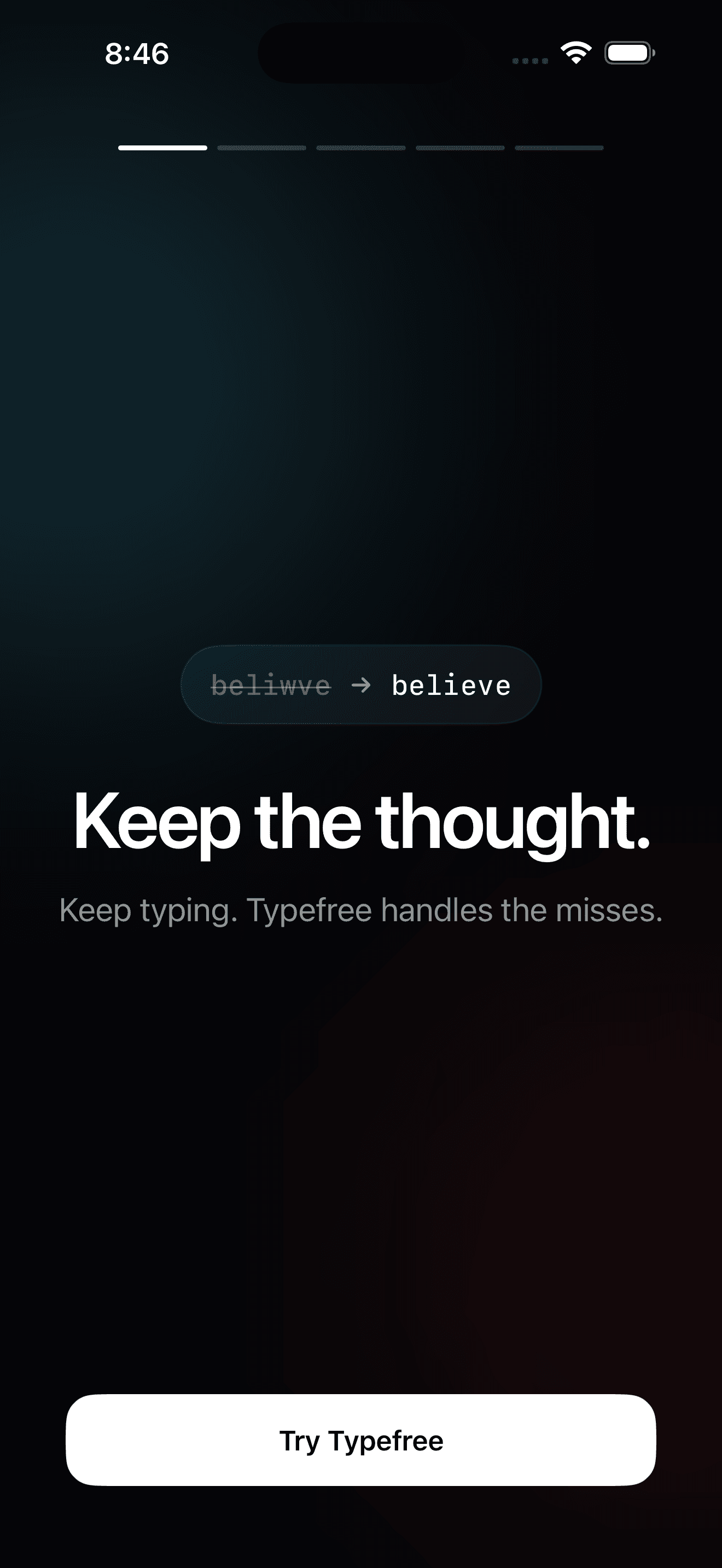
Every keyboard corrects. Typefree learns which mistakes are yours — the keys your thumbs actually miss, the words you always mistype — and fixes those, while leaving your names, slang, and jargon alone.
It dictates, too: hold the mic key, speak, release. Speech recognition runs on your iPhone with models you download once, so dictation works in airplane mode.
Typing, autocorrect, your dictionary and dictation are on-device by default. There are no OFFLN accounts, no OFFLN servers, and no advertising SDKs — we never receive what you type or say.
Usage and performance reports are on by default, and you can turn them off. The other things that use the network stay off until you switch them on. They are listed below and in the privacy policy.
Product interaction, performance, diagnostic and purchase data, declared for the usage and performance reports. Search history, declared because GIF and sticker search sends your search words to GIPHY. That tab ships switched off.
WHAT LEAVES YOUR PHONE, AND WHEN.
Usage and performance reports — on by default
The Typefree app sends counts and rounded timings to PostHog's US service: app opens, setup steps, tabs opened, your first successful dictation, subscription changes, voice startup times and fixed failure codes. No user, device or session identifier, and never what you type or say. The keyboard makes no network request for them. Turn them off in Settings → Privacy & data.
Model downloads
Dictation and the on-device rewrite models are fetched from Hugging Face and GitHub when you enable those features. The download asks for files; it sends nothing about you.
GIF and sticker search — off by default
If you turn the GIF and sticker tabs on, the words you search and the category you tap go to GIPHY so it can answer. No text from the app you are typing in is sent, and no account or stable identifier rides along.
Your own AI provider — off by default
Typefree can route four things to an AI provider you configure: dictation styling, the personal rewrite pass, Rewrite and Fix typos on text you have typed, and the typing-analysis report — which sends recent examples of what you typed and what it was corrected to. Each one has its own switch, and nothing is sent until you add the connection and turn that feature on; then the text for that request goes to your provider, under their terms. Leave it alone and the local models do the work. If a ChatGPT sign-in is offered, the account is yours with OpenAI, under their terms.
FREE TO TYPE. PRO IF YOU WANT MORE.
Free
- — Typing, autocorrect and prediction
- — Your personal dictionary
- — On-device dictation, with punctuation and capitals
- — History, snippets, themes
- — The counting half of the typing report
Typefree Pro
- — Dictation styles and list/email layout
- — The personal rewrite pass after cleanup
- — Rewrite and Fix typos on text you have typed
- — The AI typing-analysis report
$5.99/month · $39.99/year
USD. The App Store shows your local price.
Pro will be sold in the App Store release. It is not on sale during the TestFlight beta, and the terms below describe what happens once it is.
Typefree Pro will be an auto-renewing subscription: $5.99 per month or $39.99 per year, in USD — the App Store shows your local price. The annual plan includes a 7-day free trial when your Apple Account is eligible for one.
Payment is charged to your Apple Account at confirmation. Subscriptions renew automatically until canceled; cancel at least 24 hours before the period ends. Manage or cancel in your Apple Account settings, or in Typefree under Settings → Typefree Pro, which also carries Restore Purchases.
SETUP, TROUBLESHOOTING, AND PRIVACY.
Get help
Message @tjmehta on X. One person builds Typefree and answers it. Beta testers can also send feedback straight from TestFlight, which is the fastest route while the beta is open.
How do I set up the keyboard?
- Open Settings → General → Keyboard → Keyboards.
- Tap "Add New Keyboard…" and choose Typefree.
- Tap Typefree in the list and turn on "Allow Full Access."
- Open any app with a text field, then press and hold the globe key and pick Typefree.
Why does iOS warn about "Full Access"?
That warning is Apple's standard notice for every third-party keyboard on iOS — it isn't specific to Typefree. Typing and corrections work without it. Full Access is what lets the keyboard talk to the Typefree app on your device: dictation and your personal dictionary. It is also required by the optional GIF and sticker search, which stays off until you switch it on.
How does dictation work?
Turn voice on in the app's Talk tab, then hold the mic key on the keyboard in any app and speak. Release to insert. The English transcriber is about 600 MB and the multilingual one about 1 GB, downloaded once; after that, recognition runs on your iPhone and nothing you say is uploaded.
What does Typefree send off my phone?
By default, model downloads and usage and performance reports: counts and rounded timings sent to PostHog, with no identifier and never what you type or say. Turn reports off in Settings → Privacy & data. Turn on GIF and sticker search and your search words go to GIPHY. Connect your own AI provider and turn a feature on, and that feature's text goes to your provider when you use it — including the typing-analysis report, which sends examples of what you typed and what it was corrected to. There are no OFFLN servers to send any of it to.
What is free, and what does Pro cost?
Typing, autocorrect, your dictionary and on-device dictation are free. Typefree Pro adds dictation styles, the personal rewrite pass, Rewrite and Fix typos on typed text, and the AI typing report. It goes on sale with the App Store release — not during the beta — at $5.99 a month or $39.99 a year in USD, with a 7-day free trial on the annual plan when your Apple Account is eligible. It renews until canceled; cancel any time in your Apple Account settings. Already subscribed on another device? Use Restore Purchases in Settings → Typefree Pro.
A fix doesn't seem to be working after an update.
iOS keeps old keyboard code loaded inside apps that are already running. Force-quit the app you are typing in — and restart the phone if the old behavior persists — then try again.
Where's the privacy policy?
Read it here: offln.dev/typefree/privacy